


Pin video and watch Picture-in-Picture on any website
The Pin video feature allows users to minimize the video window and continue watching the video even when switching to another tab. Download Cốc Cốc now!
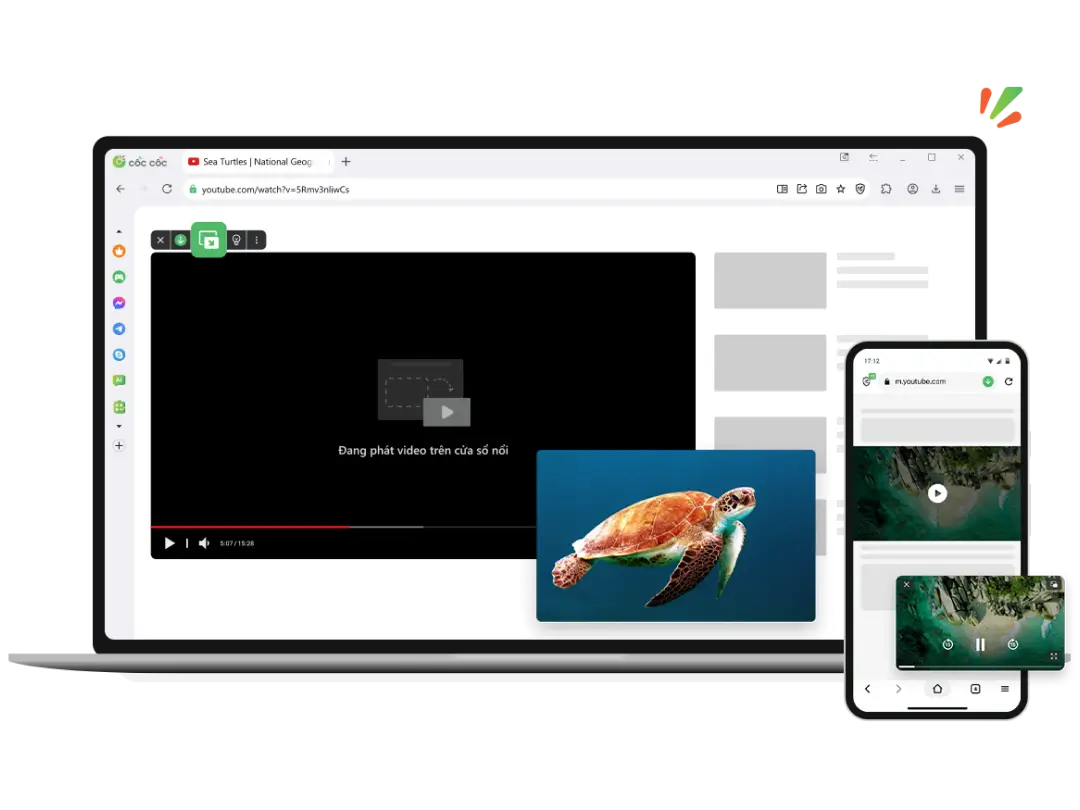
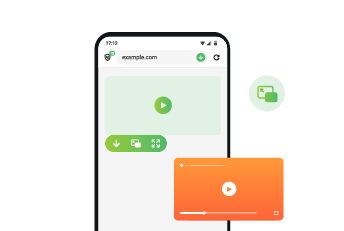
Watch any videos in Picture-in-Picture mode.

Pin videos on any device
Cốc Cốc supports the Pin video feature on all devices such as computers, phones (iOS & Android), and tablets. Pin videos and view picture-in-picture on popular websites, including YouTube, Facebook, TikTok, and Instagram.
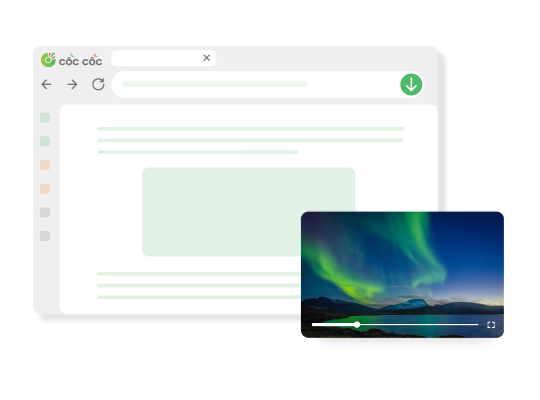
Watching videos while doing other things
Continue watching video content even when switching to a different tab on your computer, or switching to a different app on your phone. Watch videos while working? Watch videos while texting? Do it all on Cốc Cốc.
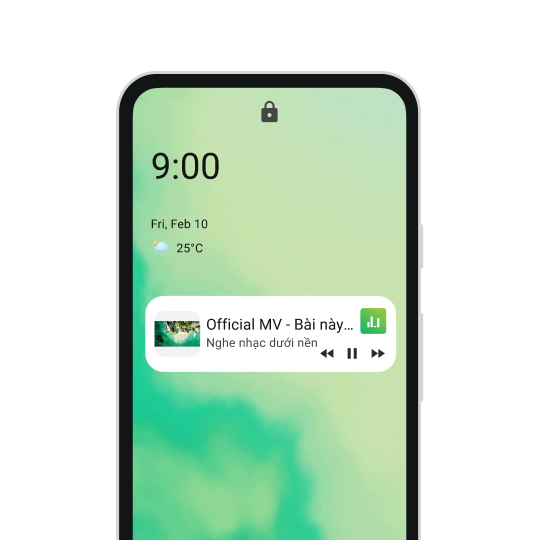
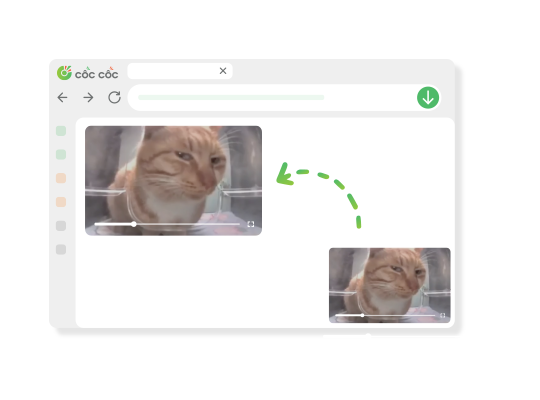
Easily customize your watching experience
Minimize, maximize and move the floating window to desirable position to avoid interfering with what you're doing. Besides, the feature also supports control options such as pause, play and seek video like a regular video player.
How to watch videos in Picture-in-Picture mode

Open the website containing video
Click Pin video button on the media panel.

Customize the floating window
Drag and drop to resize and move to the position you want.

Control the video
Pause video and fast forward or rewind to the part you want.
Download Cốc Cốc browser and
Watch video in Picture-in-Picture mode
What users say about Cốc Cốc
ajsgansg
App Store
Thanks to this application, I can play games and watch video at the same time, thanks to the app founder.

gianganhtuan
App Store
Listen to YouTube music without worrying about wasting battery power. I listen to music by Pip all the time.
TheLQM
Play Store
I can comment while still listening to music. Not like other apps. Keep it up, Cốc Cốc.
Frequently asked questions

Can't find what you're looking for?
Please visit our Support center to find instructions or chat with our staff.
Please visit our Support center to find instructions or chat with our staff.