Private and secure browser

At Cốc Cốc, we always put users first, and that also includes user privacy and security.

Learn more about our features and how they work to feel safe using Cốc Cốc browser!

Learn about privacy and security on Cốc Cốc

Privacy and security features on Cốc Cốc

Cốc Cốc always strives to ensure your security and privacy. Learn more about the features that make your online journey safer!
Adblock

Adblock

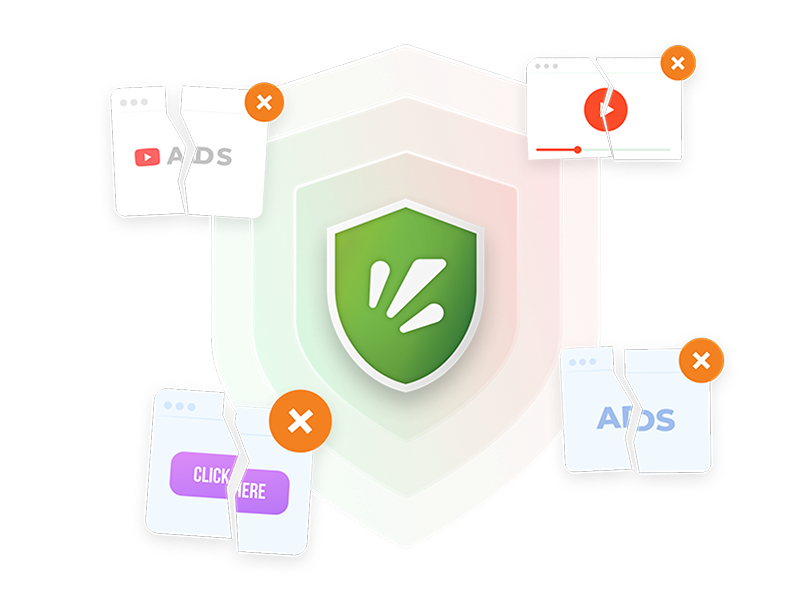
Not only allowing you to browse the web without interruption, Adblock feature on Cốc Cốc also filters out trackers and protects you against unforeseen threats from malicious ads. Supported on desktop, mobile and TV.
Incognito with Tor

Incognito with Tor

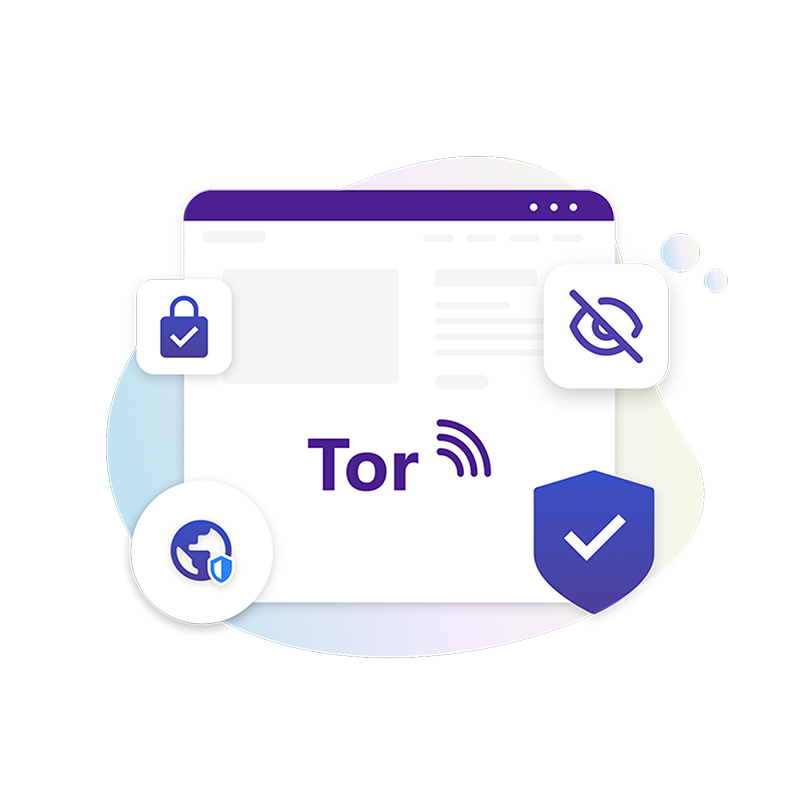
In Incognito with Tor on the desktop browser, Cốc Cốc does not connect directly to the websites you visit but goes through a series of relays in the Tor network. Hence, enhancing your anonymity with the website and in the network you use.
Browser lock

Browser lock

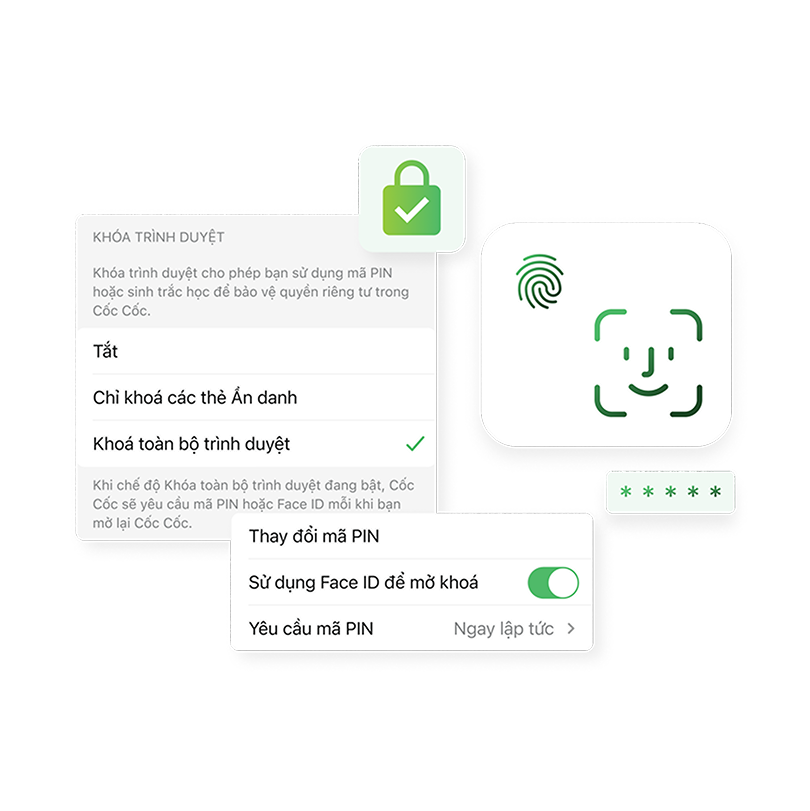
Proactively protect your privacy with Browser lock feature when using Cốc Cốc Mobile. You can either lock Incognito tabs or lock the entire browser with a separate PIN code for Cốc Cốc, or with the same Touch ID or Face ID on your device.
And more Safe browsing features...

And more Safe browsing features...

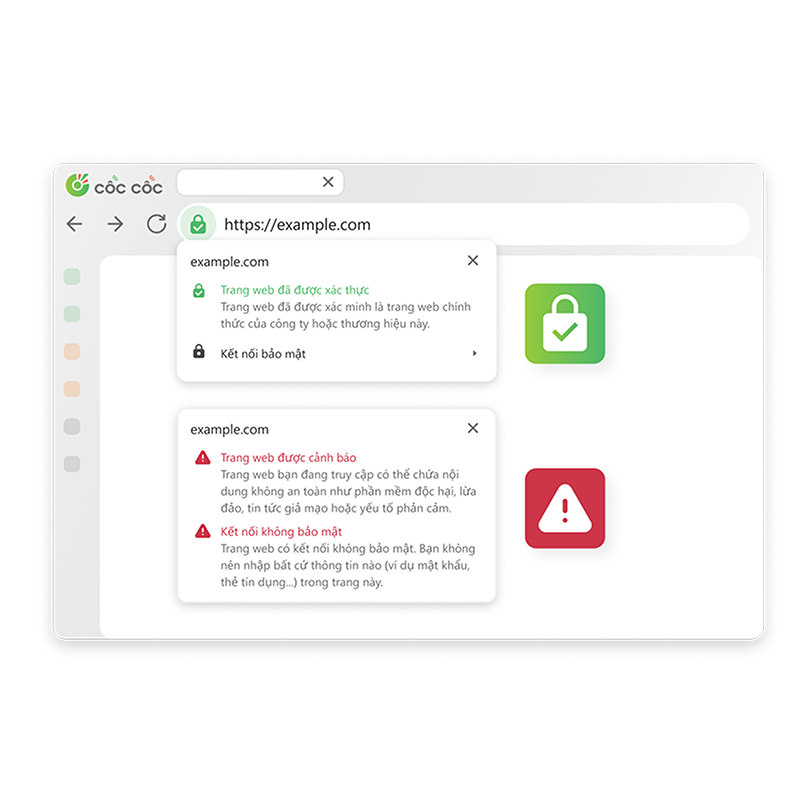
Feel safe when going online with safety features such as Verify websites and Unsafe website warnings. Protect you more comprehensively with Safe browsing data shared by Cốc Cốc, National Cyber Security Center (NCSC), ChongLuaDao.vn and the user community.

Cốc Cốc complies with strict security and privacy policies

Cốc Cốc ensures the conditions for providing a safe and reliable user experience, as well as fully complies with Vietnamese laws on information safety and security. All versions have passed the tests and been approved by major application marketplace such as Google Play, App Store, and Microsoft Store. Particularly, Cốc Cốc also meet Apple's requirements for alternative default browsers to Safari on iOS 14 and later.

How to review your privacy settings on Cốc Cốc

Open Settings
Open Settings
Click on Browser menu (≡ icon) and select Settings.
Go to Privacy and security
Delete browsing history, review website settings and more.
View Privacy Guide
View Privacy Guide
Quickly review important settings related to privacy.

Data shared with Cốc Cốc

To work properly and improve user experience, Cốc Cốc may need access to certain browsing data. At anytime, you can review and change these access permissions in Settings.

Synchronization
Synchronization
Data linked to you (associated with Cốc Cốc Account): History, Bookmarks, Saved passwords. These data are encrypted and only decrypted when synced on user devices, allowing for a seamless browsing experience. Therefore, only users can view their information.
Enhanced Spell Check
Data not linked to you: Text you type on web pages. These data will not be stored on Cốc Cốc server. For information filling forms (such as passwords, payment methods) and websites not allowing spell check, this feature is disabled.
Analytics and Improvement
Data not linked to you: Product Interactions, History, Crash Reports. These data help Cốc Cốc enhance user experience with searching, safe browsing, user support and recommend personalized content, news, offers and ads based on your browsing habits on the device.
You want to give feedback to improve Cốc Cốc?

You want to give feedback to improve Cốc Cốc?

You have privacy and security concerns, or need product support? Don't hesitate to share with our Cốc Cốc team. We are always willing to listen to improve and bring you better products.
Contact User Support

Frequently asked questions

question more
Can't find what you're looking for?
Please visit our Support center to find instructions or chat with our staff.