


Enjoy music without internet connection
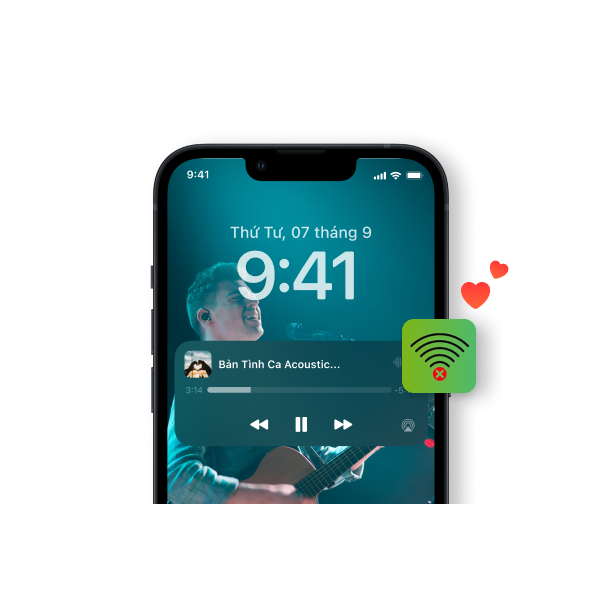
Save your songs immediately
Listen to music offline quickly and conveniently, without needing to download third-party software. With just one click, users can quickly download music and enjoy their favorite tunes.
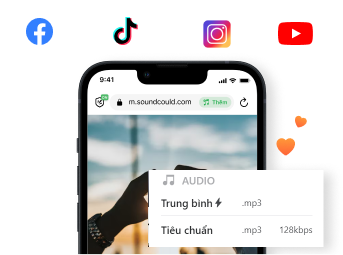
Listen to high-quality music offline
You can download countless high-quality audio files on social networking sites such as Facebook, and Youtube,... Download your favorite music with standard sound quality, giving you a great musical experience.
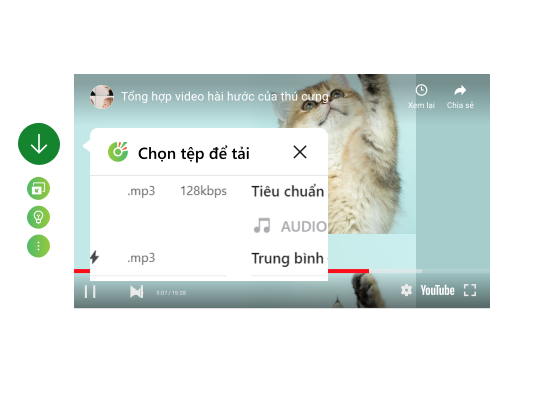
Listening to music offline is free
With Fast download and Playlist, you can listen to music offline without having to pay fee. Customize your song collection today!
Download Cốc Cốc browser
to listen to music offline unlimitedly
What users say about Cốc Cốc
lucy
App Store
1 billion point. App blocks ads, and plays music in the background... Great

Hoan
Play Store
Great. Block ads. And now you can listen to music online or offline in the download section or add music you want to listen to. All in one. Great, excellent, wonderful
Hiome
App Store
Listen to music offline easily, thanks Cốc Cốc
Frequently asked questions
How to use the music download feature on Cốc Cốc desktop browser
To download music on your computer, you can follow one of these two ways:
Instruction 1: Use the multimedia toolbar
1. Access the link of the song or video you want to download.
2. Click the Quick Download icon (down arrow icon) on the media toolbar. If you don't see the toolbar, hover over the player to display it.
3. Choose download format and quality.
Instruction 2: Use the Download button on the address bar
1. Access the link of the song or video you want to download.
2. Click the Quick download icon (down arrow icon) in the address bar.
3. On the dialog box, select the download format and quality and click the Download icon.
For more information: How to download music and videos to your computer and phone easily using Cốc Cốc browser.
How to use the video download feature on Cốc Cốc mobile browser
To download music on Cốc Cốc mobile browser, please follow these below steps:
1. Access the link of the song or video you want to download on Instagram.
2. Click the Quick Download icon (down arrow icon) in the media toolbar or in the address bar.
3. Choose download format and quality.
For more information: How to download music and videos to your computer and phone easily using Cốc Cốc browser.
When listening to music, what related features can I use?
You can use the following features:
1. Play music in background: You can enjoy uninterrupted music even when surfing the web, switching to another application, or turning off the phone screen. How to use the Play music in background feature:
- How to play music in background on iOS.
- How to play music in background on Android.
2. Playlist (for iOS devices only): You can create playlists of songs you love and listen to music offline. How to use Playlistfeature.
If the TikTok video notes that the audio is not available, can I download the audio from that video?
No. With TikTok videos that do not have sound, Cốc Cốc desktop and mobile browsers do not support music download. You can switch to other platforms with similar audio to download.
Why can't I download audio from YouTube videos on iPhone?
Currently, Cốc Cốc desktop and mobile browsers do not support downloading YouTube videos/audio from iOS devices. Please switch to mobile browser or use Android devices to download videos/download music on YouTube!
What are the advantages of listening to music with Cốc Cốc?
Compared to other browsers, Cốc Cốc helps you listen to music offline more conveniently:
- Downloading music to your device is completely free, you do not need to install additional software or extensions from third parties.
- Cốc Cốc browser has many extensions, helping to optimize your music listening experience with features like ad-block, play music in the background,...
- Downloading music to your device is completely free, you do not need to install additional software or extensions from third parties.
- Cốc Cốc browser has many extensions, helping to optimize your music listening experience with features like ad-block, play music in the background,...
How can I play music in the order I want?
If you use iOS devices, you can use the Playist feature. Otherwise, you can download audio files in the order you want and play them one after another.

Can't find what you're looking for?
Please visit our Support center to find instructions or chat with our staff.
Please visit our Support center to find instructions or chat with our staff.