


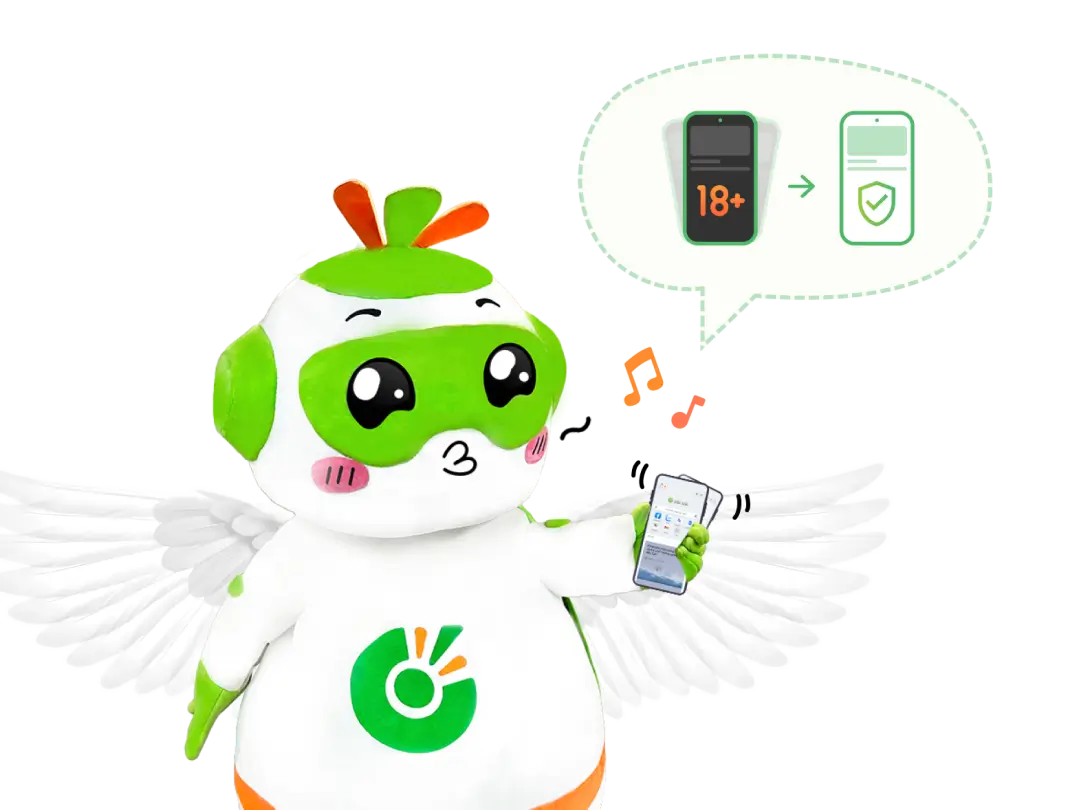
Safe Shake feature

Close sensitive websites
Immediately close all tabs with inappropriate content and all Incognito tabs

Cleanse browsing history
Automatically delete the history of sensitive websites

Display safe content
Display a new website with more appropriate content
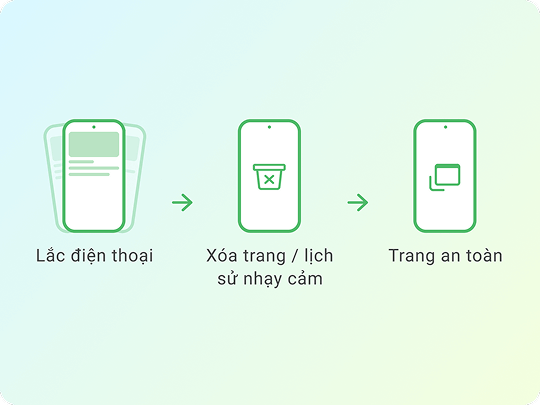
What is Safe Shake?
Just shake your phone to close all “juicy” tabs, Incognito tabs, and sensitive history, while instantly opening a safe webpage to protect your privacy.
Categorization of sensitive pages is automatically done by AI, so minor errors may occur.
Categorization of sensitive pages is automatically done by AI, so minor errors may occur.
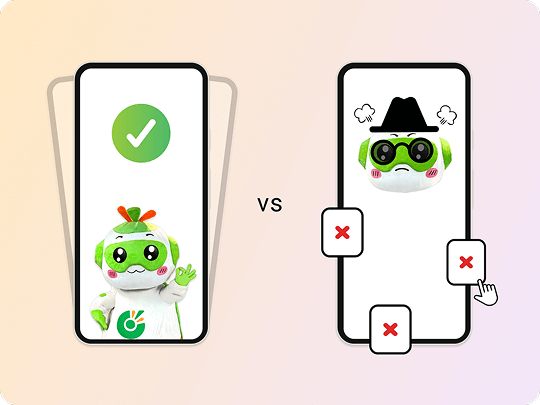
Safe Shake vs. Incognito
Incognito can’t beat a quick shake. Incognito doesn’t save your history, but you still need to close tabs manually, while Safe Shake automatically closes all Incognito tabs and tabs with sensitive content.
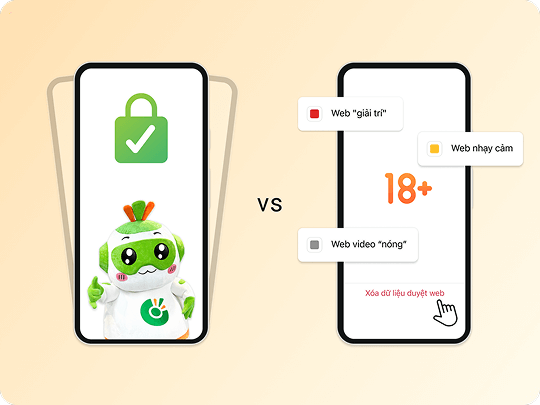
Safe Shake vs. Browser Lock
Browser Lock ensures that others cannot access your browser, but your browsing history will remain intact. To quickly clear sensitive tabs and browsing history, try using Safe Shake!

Download Cốc Cốc Mobile
Keep your browser clean and safe
How to customize Safe Shake feature

Step 1: Enable Safe Shake
To enable the feature, go to Browser lock & privacy (iOS) or Privacy and security (Android) in Settings.

Step 2: Shake test
Under Shake strength, pick Medium or Strong shake. Try Shake Test to check the feel.

Step 3: Select safe page
Select which page to open after you shake the phone: Random, Homepage or Custom.
Frequently asked questions

Can't find what you're looking for?
Please visit our Support center to find instructions or chat with our User Support.
Please visit our Support center to find instructions or chat with our User Support.