


Knock all you want, Cốc Cốc won’t open without a key!
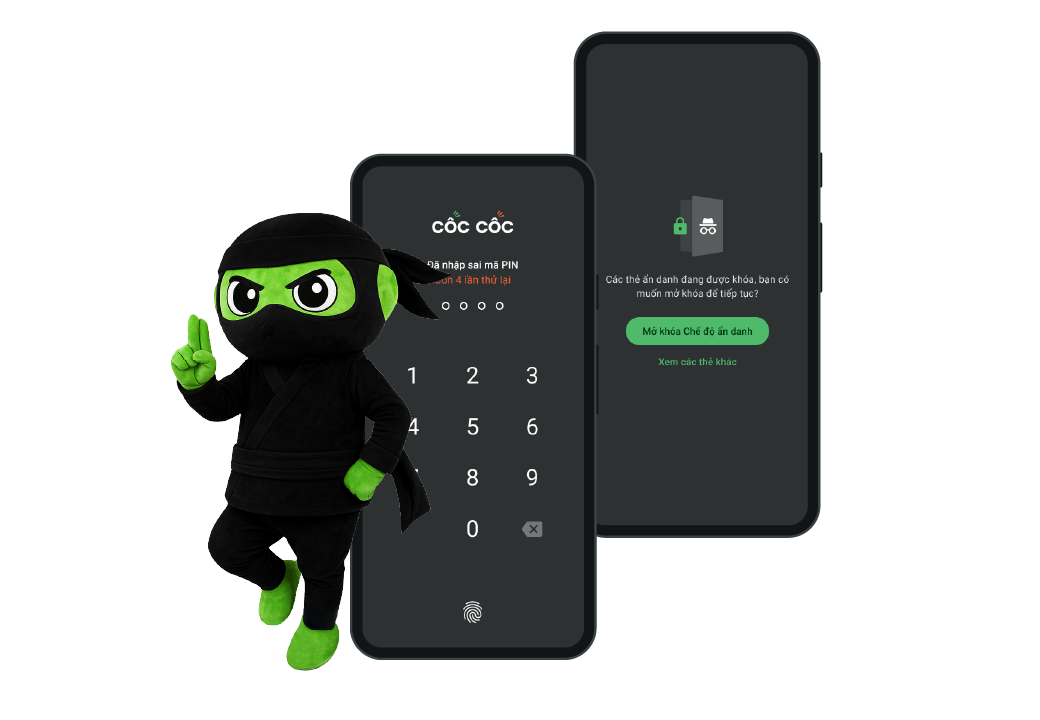
You must unlock to get in!
Want to lock just Incognito tabs or the whole browser? Cốc Cốc’s got you. Set a custom PIN or use your device’s Touch ID or Face ID. Someone wanna sneak a peek? Not that easy! 😌
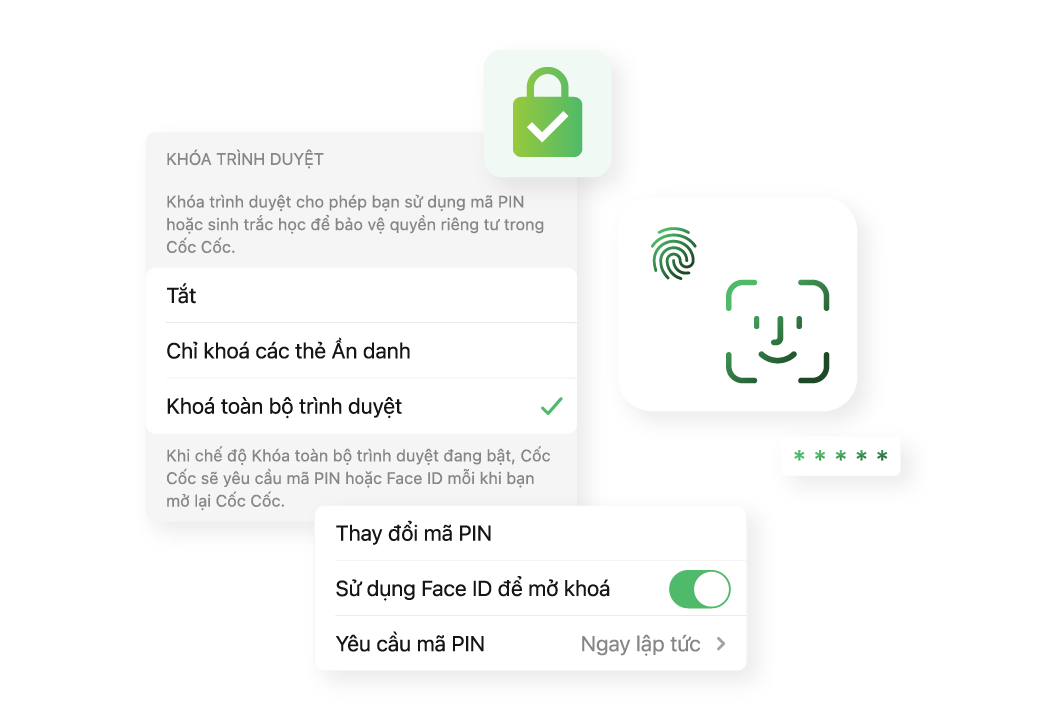
Lock it your way
Heading out? No more worrying if you forgot to "lock the door"! Cốc Cốc can automatically lock your browser as soon as you leave the app. Or you can choose to lock it after 30 seconds, 1 minute, 2 minutes, or 5 minutes.

Download Cốc Cốc Mobile browser today
Surf the web privately with Browser lock
Frequently asked questions
What is Browser Lock?
Browser Lock is a feature on Cốc Cốc Mobile that helps you protect your privacy and prevent unauthorized access by requiring authentication using PIN, Touch ID, or Face ID.
How is Browser Lock different from Incognito Tab Lock?
- Incognito Tab Lock: Only requires authentication when accessing Incognito Mode.
- Browser Lock: Requires unlocking when opening Cốc Cốc app, protecting both normal tabs and Incognito tabs.
- Browser Lock: Requires unlocking when opening Cốc Cốc app, protecting both normal tabs and Incognito tabs.
What if I forget my PIN?
Cốc Cốc Mobile allows you to use a separate PIN, different from your device PIN. You have up to 5 attempts to unlock the app. If you forget your PIN, you can reset it using Face ID or Touch ID (if enabled), or by reinstalling the app (this may result in data loss). Contact our User Support if you need further assitance.

Can't find what you're looking for?
Please visit our Support center to find instructions or chat with our User Support.
Please visit our Support center to find instructions or chat with our User Support.