


Download video from social media platforms to your device in one click
Cốc Cốc browser includes a Video Downloader tool that helps you download music and download video from social media platforms to phone and computer for free.
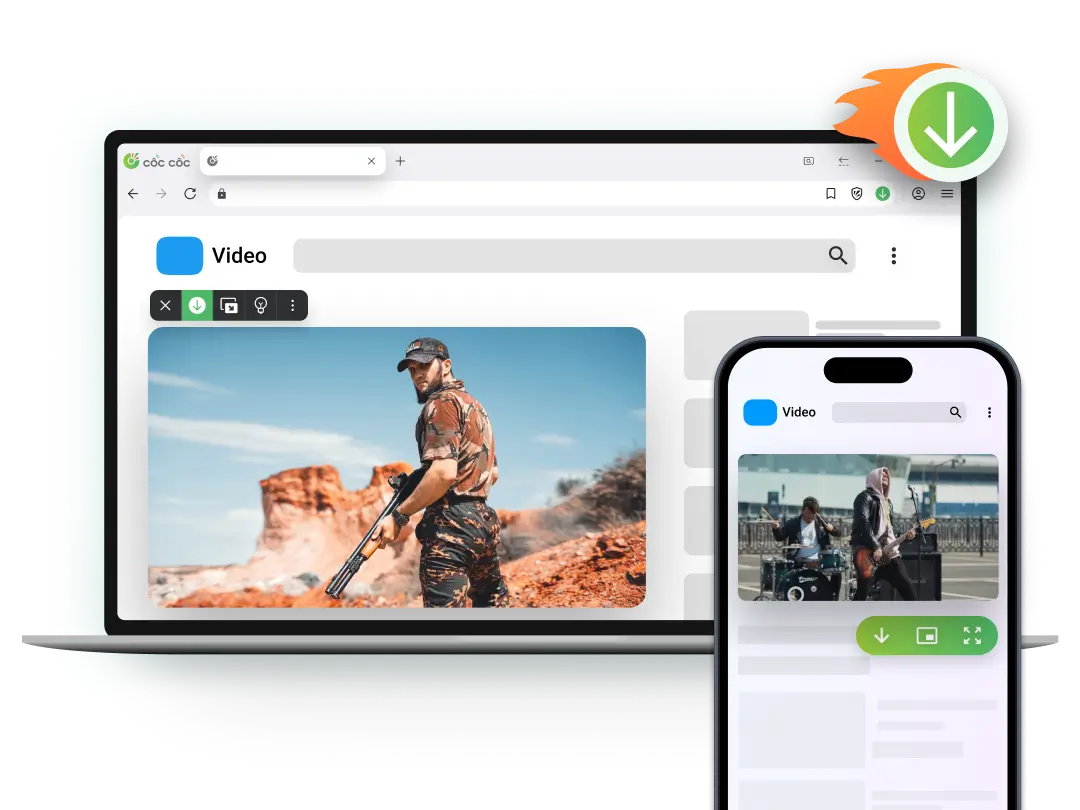
Browser with built-in Video downloader tool
Features available on both desktop & mobile browsers
.png "Download video from social media platforms")
Download video from social media platforms
No complicated steps needed — Cốc Cốc automatically detects downloadable videos when you visit any website. The feature supports downloading video from most websites, including popular social networks. Download video from social media platforms that normally doesn’t allow downloads has never been easier.
.png "Download video from YouTube")
Download video from YouTube
With Cốc Cốc, you can download video from YouTube to computer and Android phone for free. The feature lets you download any YouTube video, YouTube Shorts, and YouTube Stories by clicking the Download icon that automatically appears on the video frame.
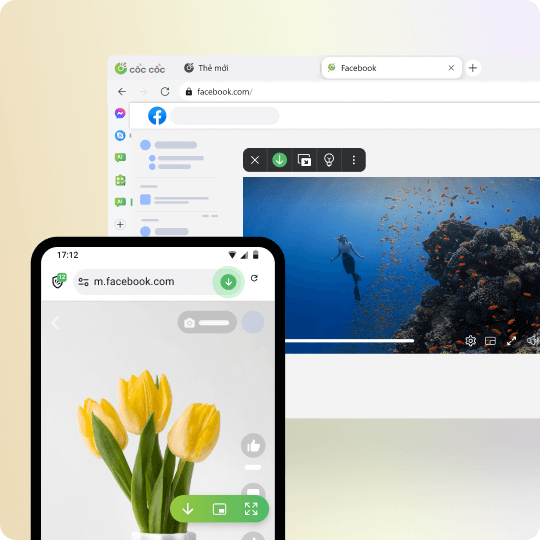
Download video from Facebook
Cốc Cốc automatically adds a Download button on Facebook under each video and on the toolbar, making it easy to download video from Facebook while watching, with just one click.
.png "Download video from Instagram")
Download video from Instagram
Download video from Instagram, Instagram Stories, and Instagram Reels with one click. The Instagram download feature works on both desktop and mobile browsers.
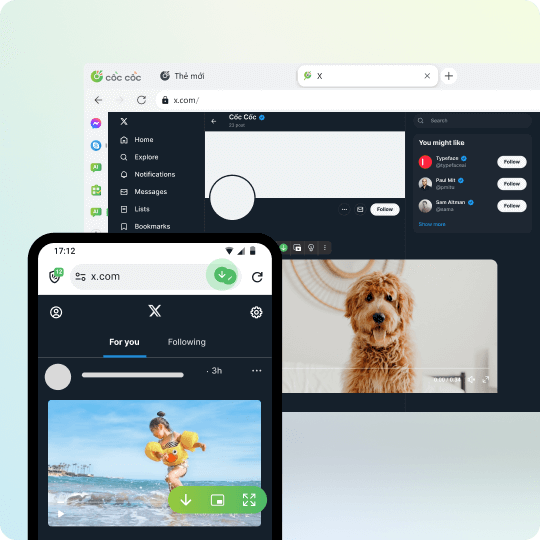
Download video from X (Twitter)
When browsing X (Twitter) on Cốc Cốc, a Download icon automatically appears on videos. With one click, you can download video from X and download video from Twitter easily.
.png "Download video from TikTok")
Download video from TikTok
Not only can you download high-quality video from TikTok, but Cốc Cốc also removes the TikTok watermark for free. Visit TikTok with Cốc Cốc and enjoy a seamless download experience.
Download video from social media platforms to phone
Exclusive features for iOS & Android mobile browsers
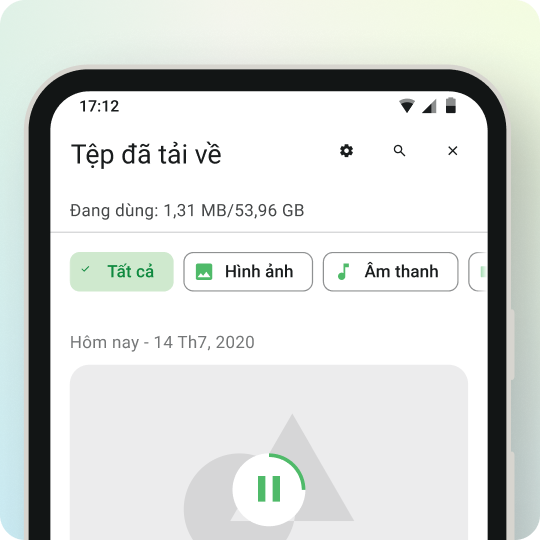
File manager
You can easily find and manage downloaded videos in the Downloaded Files section on Coc Coc. More specifically, you can watch videos offline with many advanced features such as Pinning videos, Listening to music with the screen off, Fast forwarding videos.
Download video fromsocial media platforms to computer
Exclusive features for desktop browsers
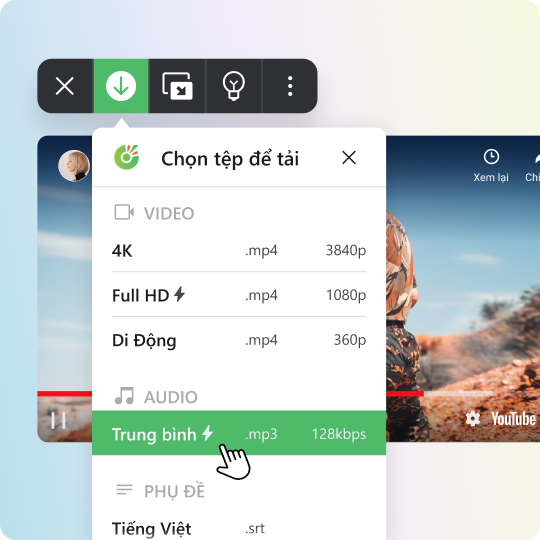
Download video MP3
Not only download regular videos, you can also download videos in mp3 format or download subtitles separately (if any) completely free.

Download Cốc Cốc browser now to experience
Download video from social media platforms for free/b>
How to download video to your phone

Open the website containing video
Click on Download button on the address bar or media panel.

Select file to download
Choose the download format and quality.

Manage downloaded files
Open Downloads page to find, open the file, or delete it permanently.
How to download video to your computer

Open the website containing video
Click on Download button on the address bar or media panel.

Select file to download
Choose the download format and quality.

Manage downloaded files
Open Downloads page to find, open the file, or delete it permanently.
Frequently asked questions

Can't find what you're looking for?
Please visit our Support center to find instructions or chat with our staff.
Please visit our Support center to find instructions or chat with our staff.