


Download Threads video to your device for free
The Fast download feature on Cốc Cốc browser helps you download any videos on Threads to your phone and computer in a snap.
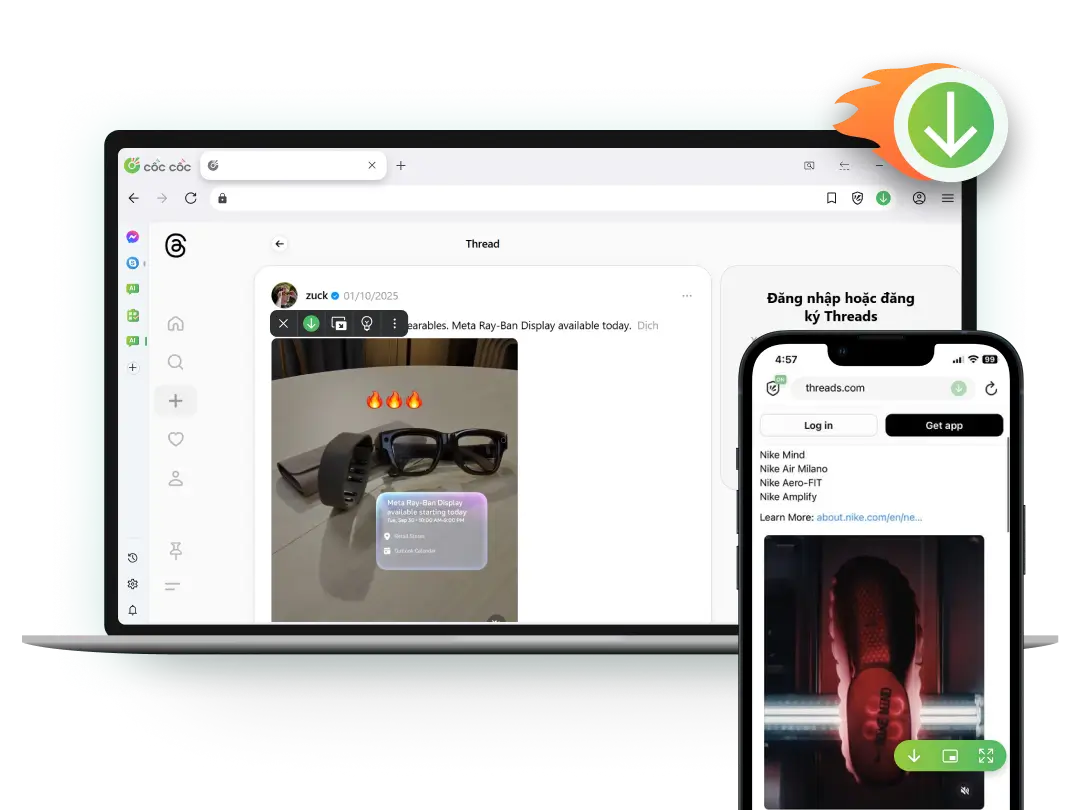
Built-in Threads video downloader
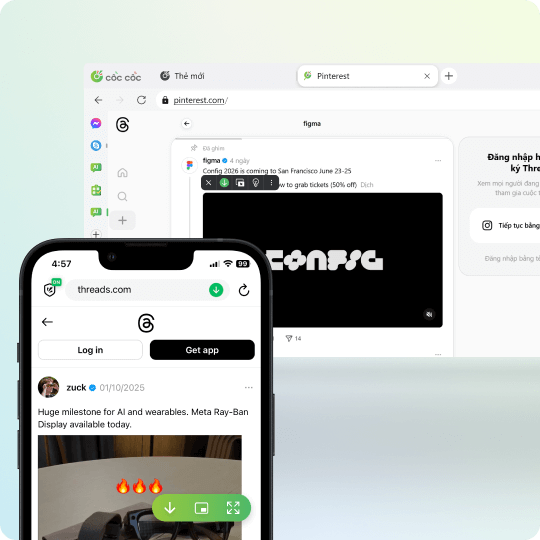
Download Threads videos on any device
To download Threads videos, you can use the Download video feature on Cốc Cốc browser. This feature helps you download Threads videos on various devices such as computers, phones (iOS & Android), and tablets in just a few clicks

Download Threads private videos
Cốc Cốc allows you to download any Threads video, including private Threads videos. Easily download videos shared in messages, groups, or videos posted by private accounts.
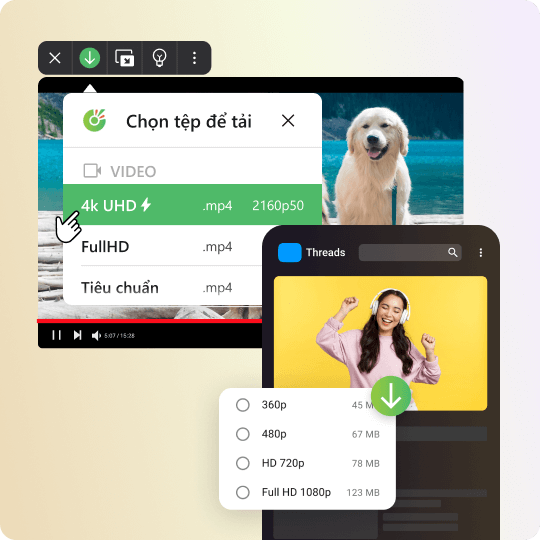
Download high-quality Threads videos
Enjoy the experience of downloading high-quality Threads videos for free, without limitations. With the Fast download feature, you can easily choose the resolution of the video before downloading, including 4K HD, Full HD, or HD.
How to download Threads videos to your phone

Open the website containing video
Click on Download button on the address bar or media panel.

Select file to download
Choose the download format and quality.

Manage downloaded files
Open Downloads page to find, open the file, or delete it permanently.
How to download Threads videos to your computer

Open the website containing video
Click on Download button on the address bar or media panel.

Select file to download
Choose the download format and quality.

Manage downloaded files
Open Downloads page to find, open the file, or delete it permanently.
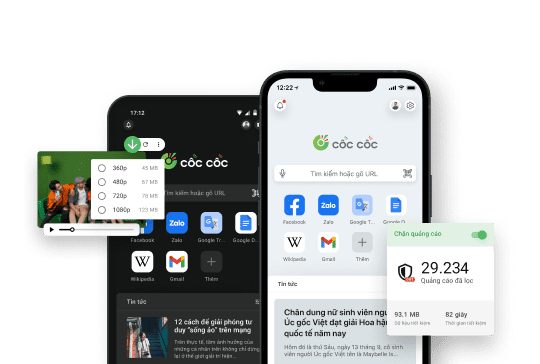
Use Cốc Cốc Browser
To download Threads videos for free
Frequently asked questions

Can't find what you're looking for?
Please visit our Support center to find instructions or chat with our staff.
Please visit our Support center to find instructions or chat with our staff.