


Download Instagram photos to your computer for free
Download Instagram photos, including private Instagram images, to your device with just a few simple steps—even when there’s no Save button.
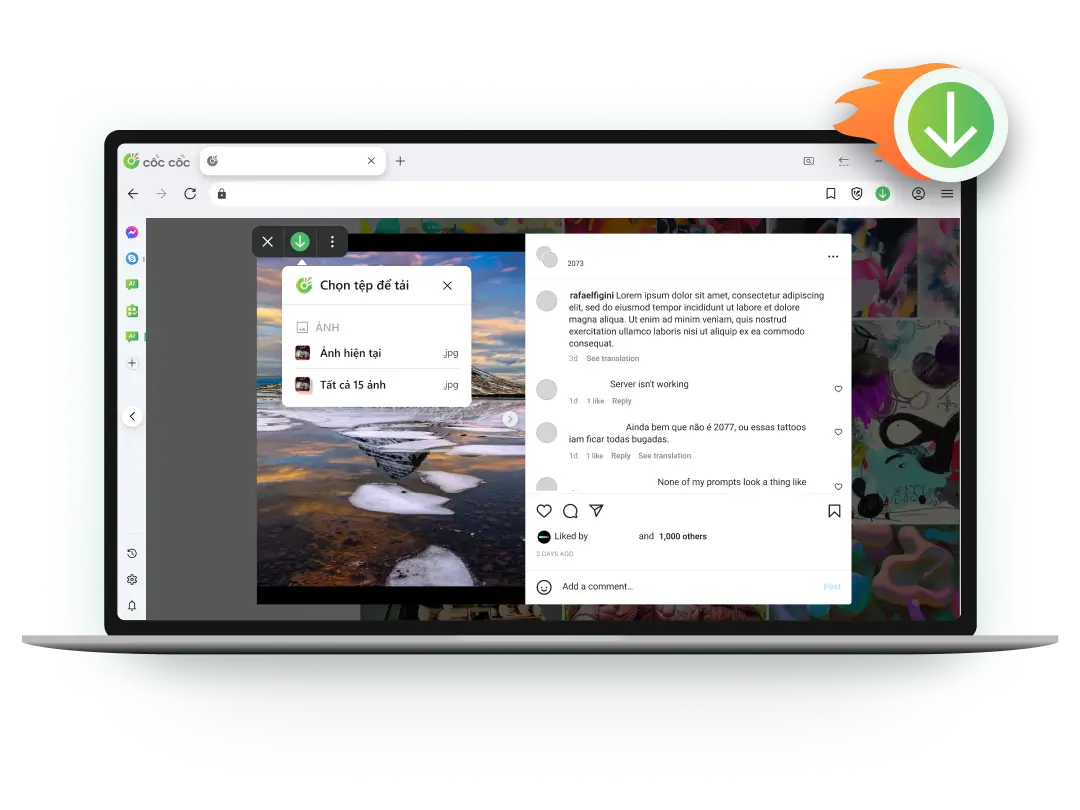
Download any photo on Instagram
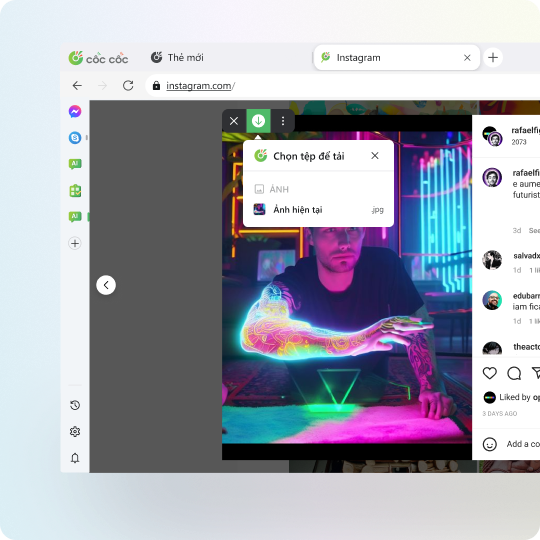
No save button? Download Instagram photos anyway
Can’t find the option to save images on Instagram? Don’t worry, you can easily download them using Cốc Cốc without installing any additional tools.
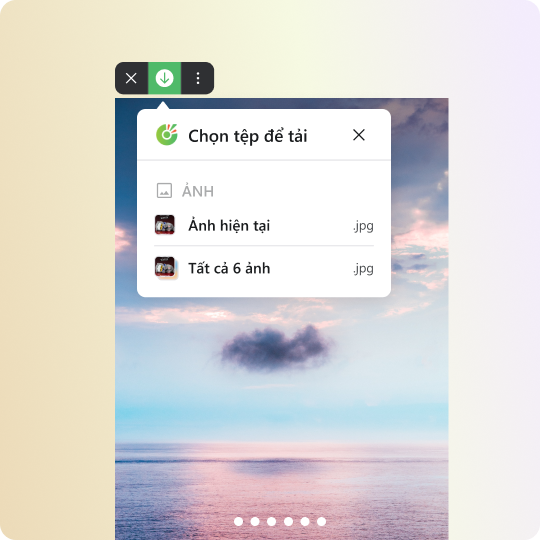
Download multiple Instagram photos at once
Save all images in an Instagram post quickly, without manual steps. Whether it’s one or many, Cốc Cốc helps you download them in no time!
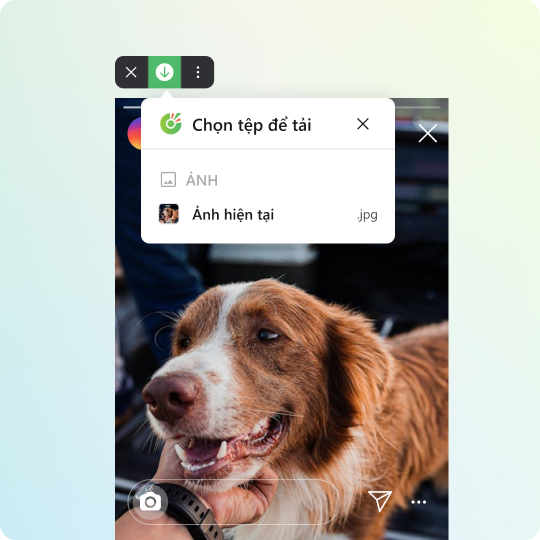
Download private Instagram photos
Cốc Cốc is the most convenient and free tool to download private Instagram photos. Easily download photos shared in private mode on Instagram.
How to download Instagram photos to your computer

Open the Instagram image
Click on Download button on the media panel.

Select file to download
Choose to download the current image or all images.

Manage downloaded files
Open Downloads page to find, open the file, or delete it permanently.

Use Cốc Cốc browser
To download Instagram photos at ease"
Frequently asked questions

Can't find what you're looking for?
Please visit our Support center to find instructions or chat with our User Support.
Please visit our Support center to find instructions or chat with our User Support.